📑 Table of Contents
The Problem with "First In, First Out"
Speed gets you the conversation. Scoring gets you the profit.
If you read our guide on HVAC Lead Response Automation, you know that responding to a lead within 5 minutes makes you 21x more likely to qualify it compared to waiting 30 minutes (based on the MIT Lead Response Management Study).
But here's the fatal flaw in most lead response systems: they treat every lead the same.
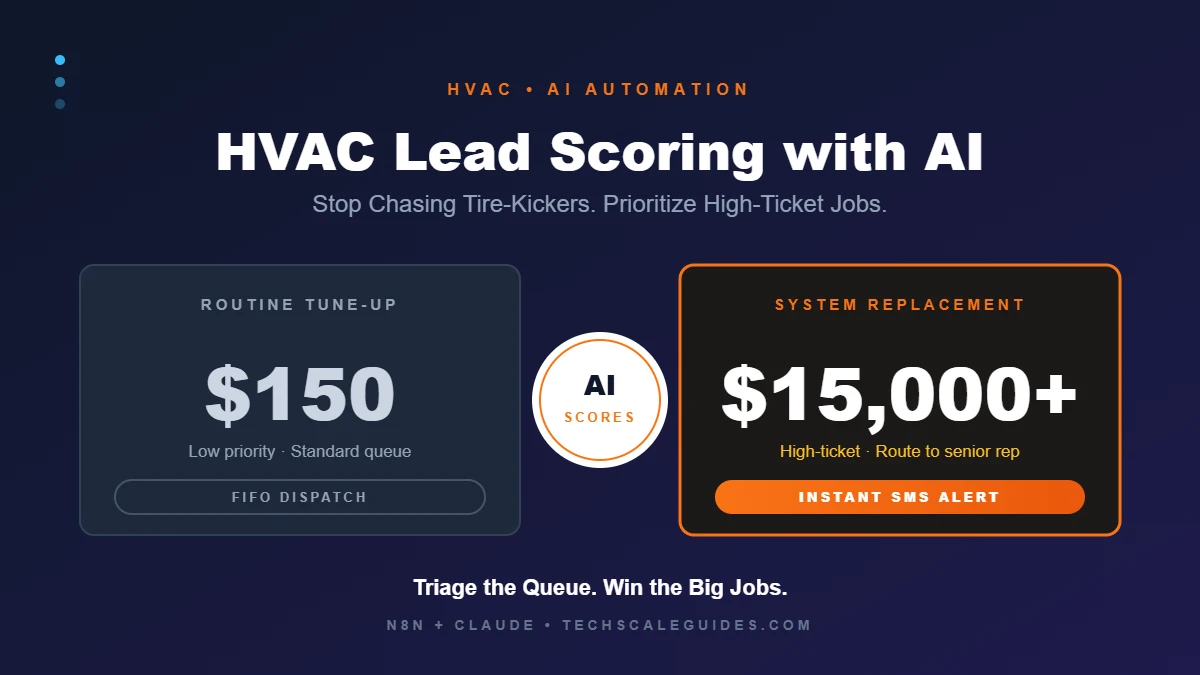
A homeowner whose AC blows hot air on a Friday night is not the same as a landlord looking for a cheap seasonal tune-up. If your dispatch team works on a "first in, first out" basis, your highest-paid technicians are burning gas driving to low-margin calls while a five-figure system replacement sits in the queue.
Triage is the real bottleneck.
You might be thinking: "My shop only has 3 vans. AI scoring sounds like overkill." Fair point. But the math is brutal. If you miss one five-figure system replacement because your dispatcher was on the phone with a $150 tune-up, the automation just paid for itself for the next three years.
The 4 Dimensions of an HVAC Lead Score
Most "AI automation experts" will tell you to just tell the AI to "score the lead 1-10." That's a useless metric. To actually make money, your AI needs to evaluate four specific dimensions.
1. Urgency (The "Emergency" Multiplier)
An emergency is not just an emergency. A broken system in July is a crisis. A broken system in October is a minor inconvenience. The AI must cross-reference the description of the problem with the time/date of the submission.
2. Ticket Value (The "Replacement" Signal)
If a homeowner says "my 15-year-old unit is making a loud noise and I'm thinking about replacing it," that's a five-figure opportunity. If they say "I need my annual maintenance," that's a $150 job. The AI must extract keywords like "replace," "old," "R-22," or "quote" and flag them.
3. Proximity (The "Windshield" Factor)
If you serve a 50-mile radius, a lead 5 miles away is worth more than a lead 48 miles away. A smart workflow can use the customer's zip code to calculate distance before sending the alert.
4. Capacity (The "Dispatch" Reality)
If your team is already booked out for 3 days, an AI scoring system shouldn't just flag an "Emergency"—it needs to escalate it to the owner's phone instead of the dispatcher's queue.
How to Build It in n8n
You don't need a custom CRM to do this. You can build it using n8n 2.45.7 (n8n releases, Nov 2026) and a lightweight LLM.
Note: If you haven't set up the basic webhook trigger yet, read our n8n Webhooks Tutorial first.
-
The Prompt (The Brain)
Instead of a generic prompt, your AI node (we'll use Claude Sonnet 5.5 or GPT-6 Luna for cost-efficiency as of Nov 2026) needs strict JSON output.
Architect Note: Make sure you pass the
zip_codefrom the webhook body into the prompt using n8n expressions (e.g.,{{ $json.body.zip_code }}). If the AI doesn't have the zip code, it cannot score proximity.Here is the system prompt:
You are an HVAC dispatch assistant. Analyze the inbound lead and score it based on:

1. URGENCY: Extract if the system is completely dead (Score: 10) or just noisy (Score: 3).
2. VALUE: Extract if there are keywords indicating a replacement (Score: 9-10) or just a repair (Score: 5).
3. PROPERTY TYPE: Commercial (Score: 8) vs Residential (Score: 5).
4. PROXIMITY: Cross-reference the lead's {{ $json.body.zip_code }} with our service area (90210, 90211, 90212). If outside the radius, Score: 1 (Out of Area).

Return a JSON object with these exact fields:
{
  "priority_tier": "EMERGENCY" | "HIGH_TICKET" | "ROUTINE" | "SPAM" | "OUT_OF_AREA",
  "score": 1-100,
  "reason": "Short one-sentence explanation"
}
Insider Knowledge: If you don't enforce the JSON output via a Structured Output Parser, the LLM will occasionally add a friendly conversational intro (e.g., "Here is your analysis!"), which breaks your workflow variables and causes silent failures.
-
The Routing Logic (The Decision)
Use a Switch node in n8n based on the
priority_tier. This decision-making layer is exactly what we call the Orchestrator module in a 4-module AI agent stack. The AI is orchestrating the flow of your business, not merely categorizing leads.- EMERGENCY: Send SMS to the on-call technician + alert the owner on Slack.
- HIGH_TICKET: Send an SMS with a booking link for a free in-home estimate. Route to the senior sales rep.
- ROUTINE: Book online via a standard scheduling link. Route to the regular dispatch queue.
- SPAM / OUT_OF_AREA: Discard silently.
Technical Gotcha: If the LLM outputs
priority_tier: "HIGH_TICKET", n8n treats this as a string. Make sure your Switch node uses String -> Equals conditions, not boolean. If the AI hallucinated and outputtedhigh_ticket(lowercase), the routing will fail silently. Always add a.toUpperCase()expression in your Switch node to normalize the output before matching. -
The "False Positive" Safety Net
What if the AI misclassifies a lead? This is where the Red-Flag Protocol comes in.
Never let the AI auto-dispatch an EMERGENCY without a human check. If the AI outputs
score > 90, trigger a workflow that requires the dispatcher to click "Approve" before sending the SMS. For routine leads, full automation is fine.
Real-World Flow: Saving a Five-Figure Replacement
(Note: This is an illustrative composite based on common HVAC dispatch scenarios, not a single verified client case.)
The Constraint: An HVAC company in Texas with 3 service vans. They were missing high-ticket replacement leads because the dispatcher was too busy answering emergency maintenance calls.
The Failed Approach: Before automation, they used a first-in, first-out (FIFO) queue. A high-ticket replacement inquiry submitted at 2 PM got buried behind three routine maintenance calls. By the time the dispatcher called back 4 hours later, the homeowner had already booked a competitor.
The Implementation: They deployed a scoring system based on the 4 dimensions above.
The Result: On a Tuesday at 2 PM, a form came in: "My 12-year-old AC unit is blowing warm air. We're thinking it's time for a new system."
The AI scored it: priority_tier: HIGH_TICKET, score: 95.
The workflow bypassed the dispatch queue and sent an SMS directly to the senior sales rep: "🔥 High-ticket replacement lead. Call immediately: [Phone Number]."
The rep called in 3 minutes. The job was closed as a five-figure replacement.
The Caveat: If your CRM data is messy (e.g., you don't have zip codes in your form), the proximity scoring will fail. Garbage in, garbage out. Results vary based on execution.
Common Pitfalls
Using a Flagship Model for Everything: You don't need GPT-6 Astra (at $10 input / $50 output per 1M tokens as of Nov 2026, per OpenAI pricing) to categorize a lead. Use a smaller, cheaper model (like GPT-6 Luna or Claude Haiku 5.5) for this specific step.
Ignoring the Human Element: An AI can score a lead, but it can't read the desperation in a customer's voice during a phone call. Ensure the dispatcher can manually override any score.
No Feedback Loop: If the AI scores a lead as HIGH_TICKET, but the rep arrives and finds a $200 repair, the system needs a way to log that. Over time, you can feed these corrections back into the prompt.
Frequently Asked Questions
What is the best AI model for HVAC lead scoring?
For simple lead scoring, mid-tier or high-volume models like Claude Haiku 5.5 or GPT-6 Luna offer the best balance of cost and accuracy. You only need a frontier model if the lead descriptions are highly complex or include unstructured photos.
Can I use ChatGPT for this?
Yes. ChatGPT is just the interface. To build the automation, you need to use the OpenAI API (or Claude API) inside a workflow tool like n8n or Make.com.
How do I handle multiple locations for an HVAC business?
You can add a "Location" dimension to the AI prompt. If the lead's zip code falls outside your primary service area, the AI scores it lower or routes it to a partner company.
Does lead scoring replace a human dispatcher?
No. It augments them. Lead scoring is a triage tool. It prevents the dispatcher from having to read every single form manually, but a human should always have the final say on dispatching high-value technicians.
Bottom Line
- Speed is the entry ticket; scoring is the profit driver.
- Score on 4 dimensions: Urgency, Value, Proximity, Capacity.
- Use the right model: Don't burn cash on frontier models for basic text classification.
Stop treating a five-figure replacement like a clogged drain. Let the AI triage the queue, and let your technicians focus on the jobs that actually move the needle.