📑 Table of Contents
- 1. The Problem: AI Hallucination Is a Business Risk
- 2. Why Hallucination Happens in AI Agents
- 3. The Cost of AI Hallucination in B2B
- 4. The Solution: Red-Flag Protocol — 3 Layers of Protection
- 5. Implementation Checklist
- 6. Common Pitfalls to Avoid
- 7. Real-World Use Case: Red-Flag Protocol in Action
- 8. Frequently Asked Questions
The Problem: AI Hallucination Is a Business Risk
Here's a scenario I've seen play out more times than I'd like to admit:
An AI Agent sends a quote to a client.
"The project cost will be $8,500."
Reality: The correct cost is $12,000.
Result: Lost deal, lost credibility, and a client who now questions everything your business does.
This isn't a rare edge case. Hallucination — when an AI confidently generates false information — is a persistent problem even with top-tier models like GPT-5.4 mini and Claude Fable 5.1.
Why Hallucination Happens in AI Agents
| Cause | Explanation |
|---|---|
| Missing context | The AI lacks specific data (e.g., latest pricing, client history) |
| Ambiguous prompts | Poorly structured instructions lead to incorrect conclusions |
| Outdated knowledge | The model's training data doesn't include your latest policies |
| Over-confidence | The AI generates a "best guess" rather than admitting uncertainty |
The Cost of AI Hallucination in B2B
| Scenario | Potential Cost |
|---|---|
| Wrong quote sent to client | Lost deal + damaged reputation |
| Incorrect refund processed | Financial loss + customer frustration |
| Misrouted support ticket | Delayed resolution + churn risk |
| Wrong inventory update | Operational chaos + lost revenue |
The bottom line: You can't afford to give AI agents full autonomy without safeguards.
The Solution: Red-Flag Protocol — 3 Layers of Protection
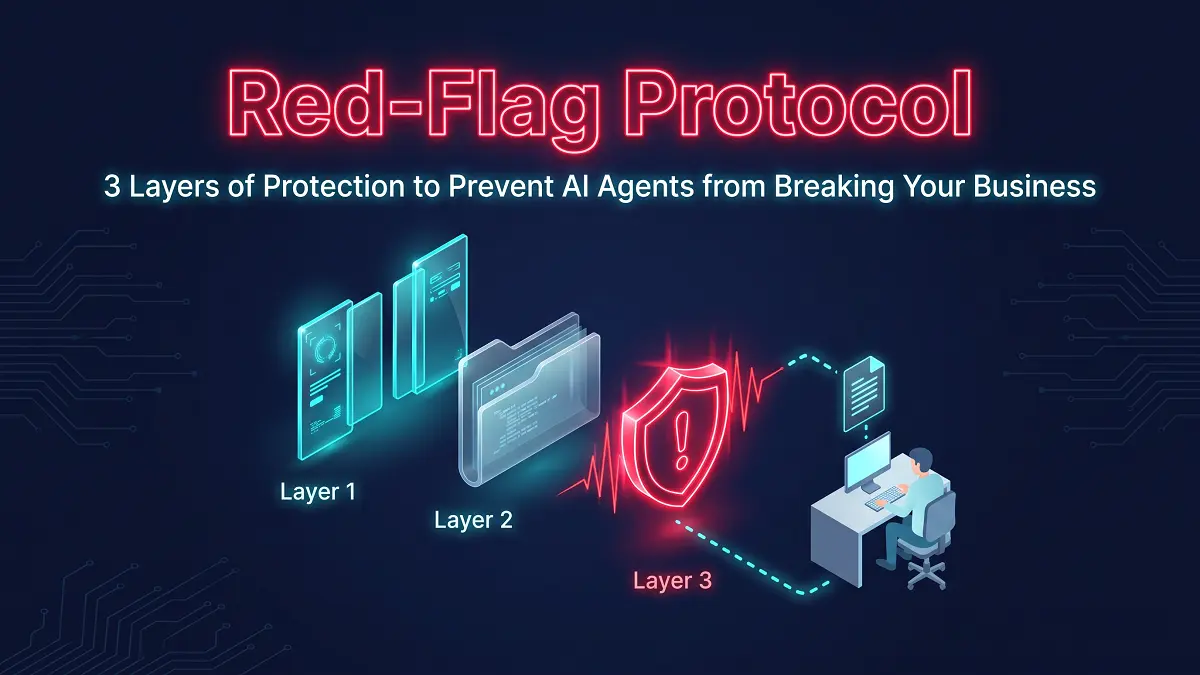
The Red-Flag Protocol is a safety system that sits between your AI Agent and the outside world. It doesn't prevent the AI from making mistakes — it catches them before they cause damage.
The Architecture Overview
Layer 1: Dual-Gate Verification (AI Checks AI)
The Problem: A single AI model can make mistakes. Two AI models checking each other drastically reduces errors.
How It Works:
| Step | Action | Tool |
|---|---|---|
| 1 | Primary AI generates the response or action | GPT-5.4 mini, Claude Fable 5.1 |
| 2 | A Verifier Agent (smaller, cheaper model) checks the output | GPT-5.4 mini or a lightweight classifier trained on your business rules |
| 3 | The Verifier compares against: → Expected data format (JSON schema) → Business rules (e.g., price range, discount limits) → Historical patterns (e.g., typical quote amounts) |
Business rules engine |
| 4 | If validation passes → Proceed to Layer 2 | — |
| 5 | If validation fails → Reject and escalate to Human | Slack/Email |
Real-World Example:
The Primary AI generates a quote: "$8,500".
The Verifier checks: "Is this within the expected range? The client's previous order was $12,000. The minimum for this category is $10,000."
Result: Verifier flags the quote. The system escalates to a human for review. The mistake is caught before it reaches the client.
Layer 2: Draft-Only Mode (Humans Approve Before Sending)
The Problem: Even with verification, some errors can slip through. The safest approach is to never let the AI send anything automatically — at least initially.
How It Works:
| Step | Action |
|---|---|
| 1 | AI generates the output (email, quote, invoice) |
| 2 | The output is saved as a Draft in Gmail, HubSpot, or your CRM |
| 3 | A human receives a notification (Slack/Email) to review |
| 4 | Human reviews the draft, makes edits if needed, and manually sends |
| 5 | After 100 successful approvals, you can consider moving to auto‑send for low‑risk actions |
The Gradual Trust Model:
| Phase | Actions Allowed | Human Review |
|---|---|---|
| Phase 1 (Week 1-2) | All actions require human approval | ✅ 100% review |
| Phase 2 (Week 3-4) | Low-risk actions (e.g., status updates) auto‑send | ✅ 50% review |
| Phase 3 (Week 5-8) | Medium-risk actions (e.g., emails) auto‑send after verification | ✅ 20% review |
| Phase 4 (Week 9+) | High‑trust actions auto‑send; critical actions still require review | ✅ 5% review |
Real-World Example:
The AI Agent creates a draft quote in HubSpot with a recommended discount. A sales manager receives a Slack notification: "New quote draft ready for review. Estimated value: $15,000. Recommended discount: 10%."
The manager opens the draft, verifies the numbers, and clicks "Send."
Result: The manager saves 80% of the time they used to spend creating quotes, but the final approval still rests with them.
Layer 3: Trigger-Based Human Takeover (Auto-Escalation on Red Flags)
The Problem: Even with verification and drafts, some situations require immediate human intervention. The AI can't handle everything.
How It Works:
The AI Agent continuously monitors for Red Flags — signals that something is abnormal and requires human attention.
| Red Flag Signal | Agent Action | Escalation Method |
|---|---|---|
| Price change >10% | Auto‑halt the workflow | Email + Slack alert to Manager |
| Client email contains "cancel," "too expensive," or "error" | Halt auto‑reply | Escalate to Support Team with full context |
| API returns repeated errors (5+ times) | Pause the entire workflow | Alert IT team + create Jira ticket |
| Input data doesn't match any known template | Don't auto‑process | Request human review via Slack |
| Verifier confidence < 80% | Don't send | Push to Review Queue with explanation |
| Sensitive action (e.g., refund >$500) | Always escalate | Require dual human approval |
The Slack Notification Template:
Real-World Example:
An AI Agent is processing a high‑value lead. It detects that the client's requested discount (25%) exceeds the maximum allowed (15%).
The Agent halts the workflow and escalates to the sales manager:
"🚨 Red Flag: ABC Corp requested 25% discount (max allowed: 15%). Please review before proceeding."
The sales manager reviews, approves a special exception, and the workflow continues.
Result: The agent didn't break compliance, and the manager maintained control.
Implementation Checklist
| Layer | Action | Tools | Priority |
|---|---|---|---|
| 1 | Set up Verifier Agent to check all AI outputs | OpenAI API, n8n, Make.com | 🔴 High |
| 2 | Implement Draft-Only Mode for all external communications | Gmail API, HubSpot API | 🔴 High |
| 3 | Define Red Flag triggers and escalation rules | Slack API, n8n, Make.com | 🟡 Medium |
| 4 | Create Slack/Email notification templates | Slack, Email | 🟡 Medium |
| 5 | Set up monitoring dashboard for AI actions | n8n, Make.com, Airtable | 🟢 Low |
| 6 | Train team on Red-Flag Protocol and escalation procedures | Internal docs | 🟢 Low |
Not sure whether to build this protocol in-house or bring in a specialist? Our 2026 Build vs Buy Decision Guide breaks down the 4 dimensions that matter for SMBs — cost, flexibility, data control, and long-term maintenance.
Common Pitfalls to Avoid
❌ Pitfall 1: Over-Automating Too Quickly
| Problem | Fix |
|---|---|
| You trust the AI too early and skip human review | Start with 100% human review for at least 2 weeks |
| The AI makes an error that damages client trust | Gradually increase autonomy only after validating accuracy |
❌ Pitfall 2: Ignoring Verifier Agent Costs
| Problem | Fix |
|---|---|
| Verification adds 20-50% to API costs | Use smaller, cheaper models for verification |
| Costs spiral out of control | Set a monthly cap and monitor usage |
❌ Pitfall 3: Not Defining Clear Red Flags
| Problem | Fix |
|---|---|
| The system doesn't know when to escalate | Define specific triggers (price, sentiment, API errors) |
| Critical issues are missed | Review and update Red Flags quarterly |
❌ Pitfall 4: No Human Training
| Problem | Fix |
|---|---|
| Humans don't know how to respond to escalations | Create a simple SOP for each escalation type |
| Escalations are ignored | Set up reminders for pending reviews |
Real-World Use Case: Red-Flag Protocol in Action
The Client: A mid‑sized B2B SaaS company deploying an AI Agent for sales quoting.
The Risk: The AI could send incorrect pricing, damaging client relationships and costing the company thousands.
The Implementation:
| Layer | Implementation | Time |
|---|---|---|
| Layer 1 | Verifier Agent (GPT-5.4 mini) checks all quotes against pricing rules | 2 hours |
| Layer 2 | All quotes are created as drafts in HubSpot; Slack notifications sent to sales team | 1 hour |
| Layer 3 | Red Flags defined: price >15% off, discount >20%, negative client sentiment | 2 hours |
The Results (after 30 days):
| Metric | Before | After |
|---|---|---|
| Quote errors | 8% | <1% |
| Sales team time on quoting | 15 hours/week | 3 hours/week |
| Client complaints | 2/month | 0/month |
| AI‑generated quotes sent | 0 | 120 (all human‑approved) |
Total investment: $150 (one‑time setup) + $50/month (API fees)
Time saved: 12 hours/week for the sales team.
The client chose to implement this in-house with their existing team. But if you're weighing custom development against off-the-shelf tools, the decision framework matters more than the technology itself.
Frequently Asked Questions
1. Why do I need a Red-Flag Protocol? Can't I just use a better AI model?
Even the best models hallucinate. GPT-5.4 mini and Claude Fable 5.1 are highly capable, but they still make mistakes. A Red-Flag Protocol is like insurance — you hope you never need it, but you're glad it's there when something goes wrong.
2. How much does it cost to implement the Red-Flag Protocol?
| Component | Cost |
|---|---|
| Verifier Agent API fees | $20‑50/month (depending on volume) |
| Setup time (DIY) | 5‑10 hours |
| Setup time (hire a specialist) | $50‑150 (one‑time) |
3. Does the Red-Flag Protocol slow down the AI Agent?
It adds a slight delay — typically 2‑5 seconds per action while the Verifier checks and the system escalates if needed. For most B2B applications, this is negligible. For high‑volume workflows, you can optimize by using faster models for verification.
4. What if the Verifier Agent makes a mistake?
The Verifier Agent is configured to be conservative — it's better to reject a valid output (false positive) than to approve an invalid one (false negative). You can adjust the confidence threshold based on your risk tolerance.
5. How do I know when to move from Draft-Only to Auto-Send?
| Metric | Threshold to Auto‑Send |
|---|---|
| Number of approved actions | 100+ |
| Accuracy rate | >99% |
| Human review time per action | <30 seconds |
| Weeks of successful operation | 2+ |
6. Can I implement just one layer of the protocol?
You can, but it's like wearing a seatbelt without airbags — it's better than nothing, but you're still at risk. We recommend starting with all 3 layers, then gradually relaxing Layer 2 (Draft-Only) as your confidence grows.
7. What if a Red Flag is triggered but the AI was actually correct?
You can mark the escalation as a "false alarm." The system learns from these instances and can adjust its sensitivity over time. This is why we recommend quarterly reviews of your Red Flag rules.
For the complete technical architecture — including the 4‑module Closed‑Loop system, Function Calling guide, and full Vetting Checklist — check out our in‑depth guide:
👉 Read the Full Autonomous AI Agent Architectural Blueprint